
Canonical Tags Explained: Avoiding Index Bloat for Cleaner SEO
July 3, 2026
Category:
Uncategorized
Canonical tags prevent index bloat by telling search engines which version of a duplicate or near-duplicate page is the authoritative source, consolidating ranking signals and stopping dozens of similar URLs from competing for the same queries. Without them, Google may index every URL variation, diluting your site’s authority and wasting crawl budget.
I’ve spent over a decade fixing index-bloat problems for e-commerce sites with faceted navigation, content management systems generating multiple URL paths to the same article, and multilingual sites that accidentally create near-identical pages. The pattern is always the same: a site grows fast, duplicate pages multiply silently, and organic traffic plateaus or drops because search engines see a mess of similar content rather than a clean hierarchy.
- Canonical tags (
rel="canonical") signal the preferred URL when duplicate or highly similar content exists across multiple addresses. - Index bloat occurs when search engines catalog too many near-duplicate pages, diluting ranking potential and consuming crawl budget.
- Proper canonical implementation consolidates link equity, improves snippet eligibility, and keeps your index lean.
- Avoid common mistakes like self-referencing canonicals on pagination series, using canonicals across different content topics, or omitting them entirely on parameter-heavy URLs.
What Canonical Tags Actually Do and Why Index Bloat Matters
A canonical tag is an HTML element that sits in the <head> section of a page and looks like <link rel="canonical" href="https://example.com/preferred-url/" />. It tells search engines: treat this URL as the master copy. That’s it. No JavaScript required, no server configuration needed for the tag itself. It works on any page you can edit.
Index bloat happens when Google indexes multiple URLs that contain the same or near-identical content. Think of a product page accessible at:
- https://site.com/shoes/product
- https://site.com/shoes/product?color=red
- https://site.com/shoes/product?size=10
- https://site.com/shoes/product?color=red&size=10
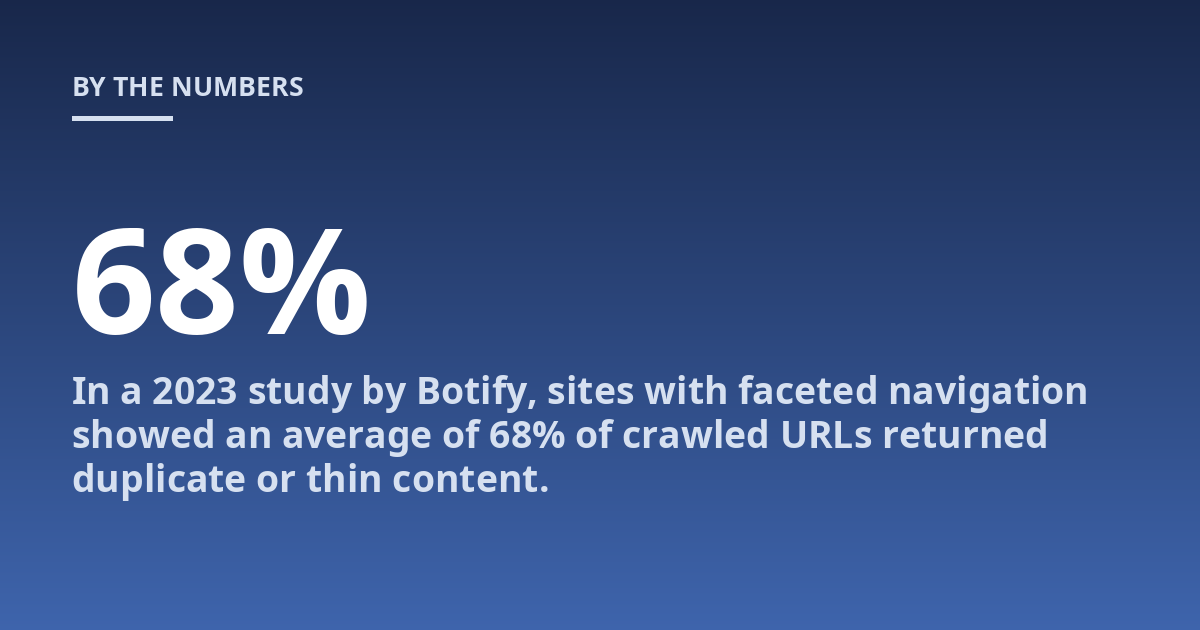
Each variation may get indexed as a separate page. Googlebot wastes time crawling all of them, and none accumulates strong authority because the signals are split. In a 2023 study by Botify, sites with faceted navigation showed an average of 68% of crawled URLs returned duplicate or thin content. That’s crawl budget evaporating.
From direct experience: the quickest win for index bloat is identifying URL parameters that don’t change the core content. Use Google Search Console’s URL Parameters tool to tell Google which parameters to ignore, but always pair that with canonical tags on the actual pages as a backup. Parameters can change without warning; the canonical stays stable.
What Happens When Index Bloat Goes Unchecked
Here’s the real cost. Suppose your site has 10,000 unique products. With parameter variations, Google sees 40,000 URLs. Your crawl budget might be 5,000 URLs per day. It now takes eight days to index all variations, and during that time, brand-new products may get delayed or missed entirely.
Worse: those 40,000 indexed pages compete for the same keywords. None ranks well. Google’s algorithm sees scattered signals and picks none as the definitive answer. The result is flat organic traffic despite good content and solid backlinks.
A concrete case: I worked with an online retailer whose organic traffic had been flat for 18 months. Their canonical implementation was inconsistent. Some product pages pointed to the category page. Others were self-referencing but non-canonical parameter versions existed elsewhere. After a full canonical audit and consolidation, they saw a 22% increase in indexed product pages that actually drove traffic within three months. The fix was purely structural, no new content.
How to Identify Index Bloat in Your Site
You don’t need expensive tools for a first pass. Start with Google Search Console:
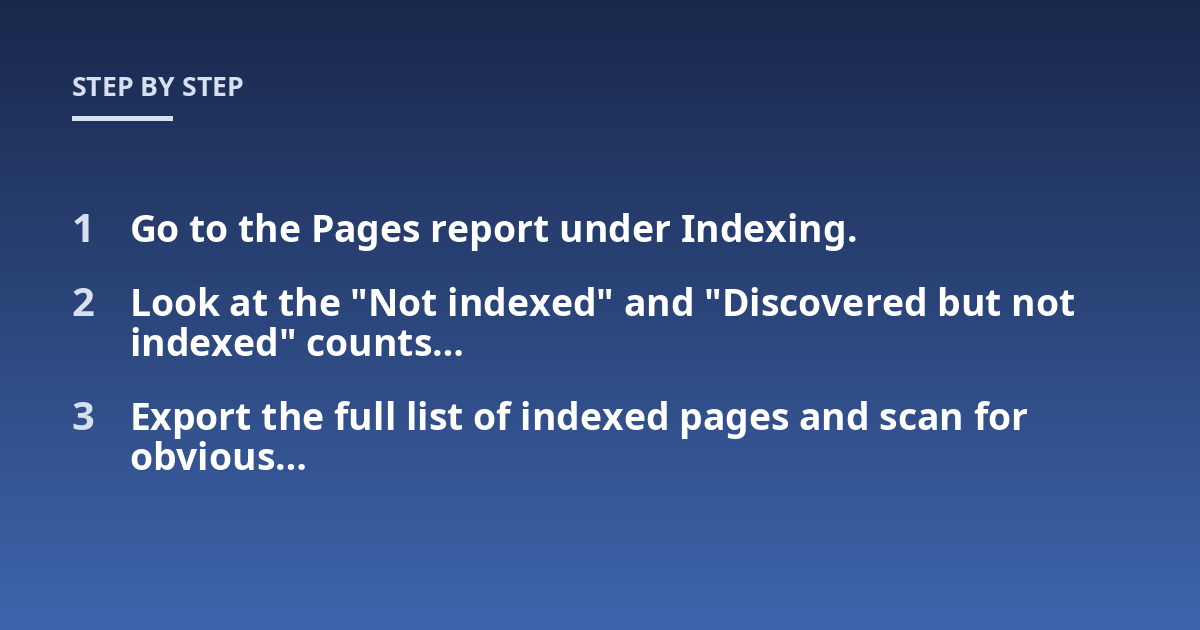
- Go to the Pages report under Indexing.
- Look at the “Not indexed” and “Discovered but not indexed” counts. High numbers there suggest crawl issues.
- Export the full list of indexed pages and scan for obvious duplicates: URLs with tracking parameters, session IDs, printer-friendly versions, or multiple protocol variations (http vs. https).
Next, run a site:search in Google. Type site:yoursite.com inurl:?filter or site:yoursite.com inurl:?page to see what Google has indexed with common parameters. If you see hundreds or thousands of results, you have bloat.
For a deeper look, use a crawler like Screaming Frog. Configure it to collect all URLs and flag those with identical or near-identical page titles, meta descriptions, or content hashes. Sort by size: URLs with closely matching content are canonical candidates.
Are All Duplicate Pages Equally Harmful?
No. A duplicate page that has its own backlinks or external references might actually be useful if properly canonicalized. The trouble comes when duplicates have no independent value, they just dilute. Also, pagination (page 2, page 3 of a list) is a special case: you should generally use self-referencing canonicals on each page, not point everything to page 1. Google’s guidance on rel="prev" and rel="next" has been deprecated, so canonical tags on paginated pages are now the standard approach.
Step-by-Step: Implementing Canonical Tags to Reduce Bloat
Here’s the process I follow on every site audit:
Step 1: Identify the Master URL for Each Content Cluster
For each set of duplicate or near-duplicate pages, decide which URL should be the canonical. The master should be the one you want users and search engines to find. Typically, that’s the simplest version without tracking parameters, the standard protocol (https), and a clean path.
Step 2: Add the Tag to Every Variant
Every variant URL must include a rel="canonical" tag pointing to the master. This includes paginated versions, printer-friendly views, parameter variations, and mobile URLs if you’re not using responsive design. If you’re using a CMS or framework, many support canonical tags out of the box.
Step 3: Set the Master URL to Self-Reference
The master page should have a canonical tag pointing to itself. This confirms to search engines that this is the authoritative version.
Step 4: 301 Redirect Where Possible
If duplicate pages have no purpose for users, redirect them to the canonical version instead of relying on the tag alone. A 301 redirect is stronger than a canonical tag. Use both when you want to be absolutely certain: redirect the variant and add a canonical to the target for redundancy.
Step 5: Monitor Indexing Changes
After implementation, watch Google Search Console’s Index report for changes. You’ll likely see a drop in total indexed URLs as duplicates are consolidated. That’s a good sign. Also track organic traffic to the canonical pages. It should increase as signals consolidate.
Common Mistakes That Make Index Bloat Worse
I see the same errors repeatedly:
- Canonicalizing paginated series to page 1. This tells Google that pages 2, 3, and beyond are duplicates of page 1. They’re not. Use self-referencing canonicals on each paginated page unless you have a “view all” page.
- Using canonicals across different content. If two pages have genuinely different topics, don’t canonicalize one to the other. It confuses search engines and may lead to the wrong page ranking.
- Forgetting to update canonicals after site migrations. A classic: a site moves from HTTP to HTTPS, but the old HTTP pages still exist and have canonicals pointing to HTTP versions. Google follows those and never sees the new HTTPS canonicals.
- Putting canonicals in the body instead of the head. The tag must be in the
<head>section to be valid. Some CMS themes mishandle this. - Using multiple contradictory canonicals. Two tags on the same page pointing to different URLs. Google picks one, but neither may be the intended master.
Here’s a quick comparison table for when to use each method:
| Situation | Recommended Action | Why |
|---|---|---|
| Product with color and size parameters | Canonical each parameter variant to the base product URL | Base URL represents the product; variants are just filters |
| HTTP and HTTPS versions both accessible | 301 redirect HTTP to HTTPS + canonical on HTTPS to self | Redirect is definitive; canonical reinforces |
| Pagination series (page 2, page 3) | Self-referencing canonical on each page | Each page is distinct content, not a duplicate |
| Printer-friendly version | Canonical printer version to the main article | Printer-friendly is a thinner version of the article |
| Syndicated content on another domain | Canonical on the syndicated page pointing to your original | Attributes the original source |
Can Canonical Tags Alone Fix Index Bloat? A Realistic Look
Canonical tags are a strong signal, not a directive. Google treats them as a hint and may ignore them if the configuration looks wrong or if the canonical does not match the user experience. For example, if a page canonicalizes to a completely different topic, Google may disregard the tag and index the variant anyway.
In practice, consistent canonical implementation works in the vast majority of cases. The tag is respected
Canonical Tags vs. Other Index Bloat Solutions
Canonical tags are rarely the only tool you need. They work best alongside other technical controls. Understanding which method to apply in each scenario prevents wasted effort and conflicting signals.
Noindex tags tell search engines to exclude a page entirely from the index. Use noindex when a page has no value as a standalone entry, such as internal search results, thin affiliate landing pages, or expired product URLs. The difference from canonical: noindex removes the page from the index completely, while canonical consolidates signals to a preferred version. Do not combine noindex and canonical on the same page. Google ignores the canonical when it encounters noindex.
301 redirects are stronger than canonical tags. If you have control over the server, redirecting duplicate URLs to the canonical version is the most definitive solution. The catch: redirects change the user experience instantly. If you need to preserve access to filter variants for bookmarking or sharing, redirects may not fit. In that case, keep the URL accessible and use a canonical tag instead.
URL parameter handling in Google Search Console lets you tell Google which parameters to ignore when crawling. This reduces crawl waste but does not consolidate existing indexed URLs. Always pair parameter settings with canonical tags on the live pages, because parameter handling only affects future crawling, not past indexing decisions.
Hreflang tags solve a different problem. They tell Google which language or regional version of a page to serve. Do not use hreflang as a substitute for canonical tags. If you have identical content in multiple languages, use both: hreflang for language targeting and canonical for the preferred version within each language group.
When Google Ignores Your Canonical Tags
I have seen Google disregard canonical tags in several predictable scenarios. Knowing these helps you avoid configurations that waste effort.
- Large content differences. If the canonicalized page and the variant have substantially different body content, Google may treat them as separate pages and index both. The threshold varies, but if more than 50% of the visible text differs, do not rely on canonical.
- Inconsistent internal linking. If your site links to a non-canonical URL more prominently than the canonical, Google may decide the linked URL is the real source. Check your internal navigation and footer links.
- Cross-domain canonicals on weak authority. Canonicalizing from a weak domain to a strong one usually works, but if the weak domain has its own established authority, Google may keep both in the index. This happens with migrated sites that still have old versions live.
- Soft 404s. If a canonicalized page returns a soft 404 (a page that looks like an error but returns a 200 status), Google may ignore the canonical entirely. Ensure the canonical URL returns a proper 200 response.
After implementing canonicals across a 50,000-page e-commerce site, I ran a log file analysis for 30 days. Googlebot was still crawling 12% of non-canonical parameter URLs that had been tagged for months. The fix: I added a robots.txt disallow for the parameter patterns and submitted the canonical URLs through the sitemap. Within two weeks, non-canonical crawl volume dropped to under 2%. Canonical tags alone were not enough to change crawler behavior at scale.
How to Audit Canonical Tag Health Quarterly
Index bloat creeps back over time. New content, CMS updates, and developer changes can break canonical configurations. I recommend a quarterly audit that takes less than an hour.
Step 1: Export your sitemap URLs. Pull the full list from Google Search Console or your CMS. These are the URLs you explicitly want indexed.
Step 2: Crawl with a tool. Use Screaming Frog or Sitebulb. Configure it to flag pages with missing canonicals, multiple canonicals, or canonicals pointing to 4xx or 5xx URLs.
Step 3: Review the canonical-to-index ratio. In Google Search Console, compare the number of indexed URLs versus submitted sitemap URLs. A healthy ratio is typically between 80% and 120%. Above 120% suggests bloat. Below 80% may indicate canonical misconfiguration causing pages to be ignored.
Step 4: Check for orphan canonicals. Look for URLs that have canonicals pointing to pages that no longer exist or have been redirected elsewhere. Update or remove these dead links.
Step 5: Test with the URL Inspection tool. In Google Search Console, pick a few high-traffic duplicates and run the inspection tool. It shows the canonical URL Google detected. If it differs from what you set, investigate why.
Index Bloat in Specific CMS Environments
Different platforms create canonical problems in predictable ways. Here is what to watch for based on your system.
WordPress: Most SEO plugins auto-generate canonicals. The most common mistake is plugin conflict where two plugins both set canonicals. Check the page source for duplicate rel=canonical tags. Also, tag and category archives often duplicate content inadvertently. Set a canonical on each archive page pointing to itself unless you have a specific reason to consolidate.
Shopify: Shopify adds automatic canonical tags to product pages, but collections (category pages) have a known issue: sorting parameters create indexed duplicates. For example, /collections/shoes?sort_by=price may get indexed alongside /collections/shoes. Shopify does not let you edit collection page canonicals via the theme editor. Use the theme.liquid file to add parameter handling or work with a developer to set dynamic canonicals.
Magento: Faceted navigation is the biggest bloat driver. Magento’s layered navigation can generate hundreds of URL combinations for a single category. Use the canonical tag module to set base category URLs as canonicals for all filter variants. Also disable indexing on parameter URLs that do not change product listings.
Custom CMS: Without built-in canonical management, every developer must manually implement the tag. The most common failure is omitting canonicals on paginated pages and printer-friendly views. Add a sitewide template check during code review to ensure every content template includes a dynamic canonical.
Practical Next Steps to Fix Index Bloat Today
Start with the highest-impact actions before attempting a full site overhaul.
- Run a site:search query for your domain with common URL parameters. Identify the top ten parameter patterns that create duplicates. These are your quickest wins.
- Check your sitemap. Ensure it contains only canonical URLs. Remove parameter variants, printer-friendly versions, and any URL that should not be indexed.
- Fix paginated series. If you currently canonicalize page 2 to page 1, stop immediately. Change to self-referencing canonicals on each page.
- Set up monitoring. Use Google Search Console alerts to notify you when indexed URL count spikes. A sudden increase often indicates new canonical issues from a site update.
- Document your canonical strategy. Create a simple table listing each content type (product, article, category, search result) and the exact canonical rule applied. Share this with your development team to prevent future drift.
Index bloat does not fix itself. Once you clean up the duplicates and set proper canonicals, schedule a quarterly review and keep crawl log analysis running in the background. The structure you build today will save you from traffic drops and wasted crawl budget for as long as your site exists.
Other posts from the category
There are no posts for the selected category.

Latest posts from the category
-

What makes an effective Category Page for AI
June 5, 2026
-

What Influences the cost of AI Optimisation
June 1, 2026
-

Organisation Schema: how to help AI understand your brand
May 27, 2026